
01best window
Know when your spot lines up.
Peak compares the forecast with your own five-star sessions, then keeps logging one tap away.
Personal history · Spot forecasts · One-tap tracking

Know when to go. Remember how it felt.
Your surf history, kept entirely yours.
Free on iPhone · No account · iOS 17.0 or later
before · during · after
Peak is a free surf log for iPhone that fits around the surf instead of pulling you away from it.
Best Window Today pairs tide data with patterns from sessions you rated highly. It only speaks up when there is enough history to be useful.
Personal to your surf history · Confidence-aware
Begin a session from Peak, Siri, Control Center, or the Lock Screen. Follow it with a Live Activity on iPhone and Dynamic Island.
Siri · Control Center · Live Activity
Review your route, conditions, board, notes, and editable wave estimates. Then find any session again in seconds.
Editable insights · Searchable history
built into iPhone
Peak puts the next action where you already are. Start faster, check progress at a glance, and leave your phone alone when the waves are working.
Siri, widgets, Control Center, Lock Screen, Live Activities, and Dynamic Island all ship in Peak 3.5.
widgets
today at a glance
siri
start hands-free
lock screen
session controls
control center
one-tap access
live activity
follow the session
dynamic island
stay in the moment
apple health insights
With your permission, Peak uses Apple Health workout route data to estimate wave count, speed, distance, and rides. Every estimate can be reviewed and edited.
Sunset Cliffs
morning session
18
waves
19.4mph
top speed
312yd
longest ride
2.8mi
paddle distance
workout route · illustrative session
private intelligence
Peak learns from the sessions you choose to save. Board Report, personal records, goals, On This Day, and yearly recaps help turn a logbook into something useful.
Start journaling without creating a profile.
The product is the journal, not your attention.
Your surf history is not a marketing dataset.
Optional Apple Intelligence phrasing happens on supported devices; Peak computes the numbers.
Export and backup tools keep you in control of the archive.
real product · real screens
Peak keeps logging quiet, then makes your history, progress, and gear easy to understand.
Screens show fictional sample surf data for demonstration.
01best window
Peak compares the forecast with your own five-star sessions, then keeps logging one tap away.
Personal history · Spot forecasts · One-tap tracking
02session detail
Bring the rating, photos, timing, wave count, and detailed surf report together in one editable record.
Editable details · Surf report · Photos and wave stats

03personal stats
Follow your time in the water, surf days, streaks, monthly goal, and recent pace without turning surfing into homework.
Time in water · Streaks · Monthly goals

the rest of your journal

history
Every session, rating, spot, and note in one place.

quiver
Keep boards, wetsuits, and fins organized in one place.

year in review
Look back on a year of days, spots, boards, and memories.
Made for the days that stay with you
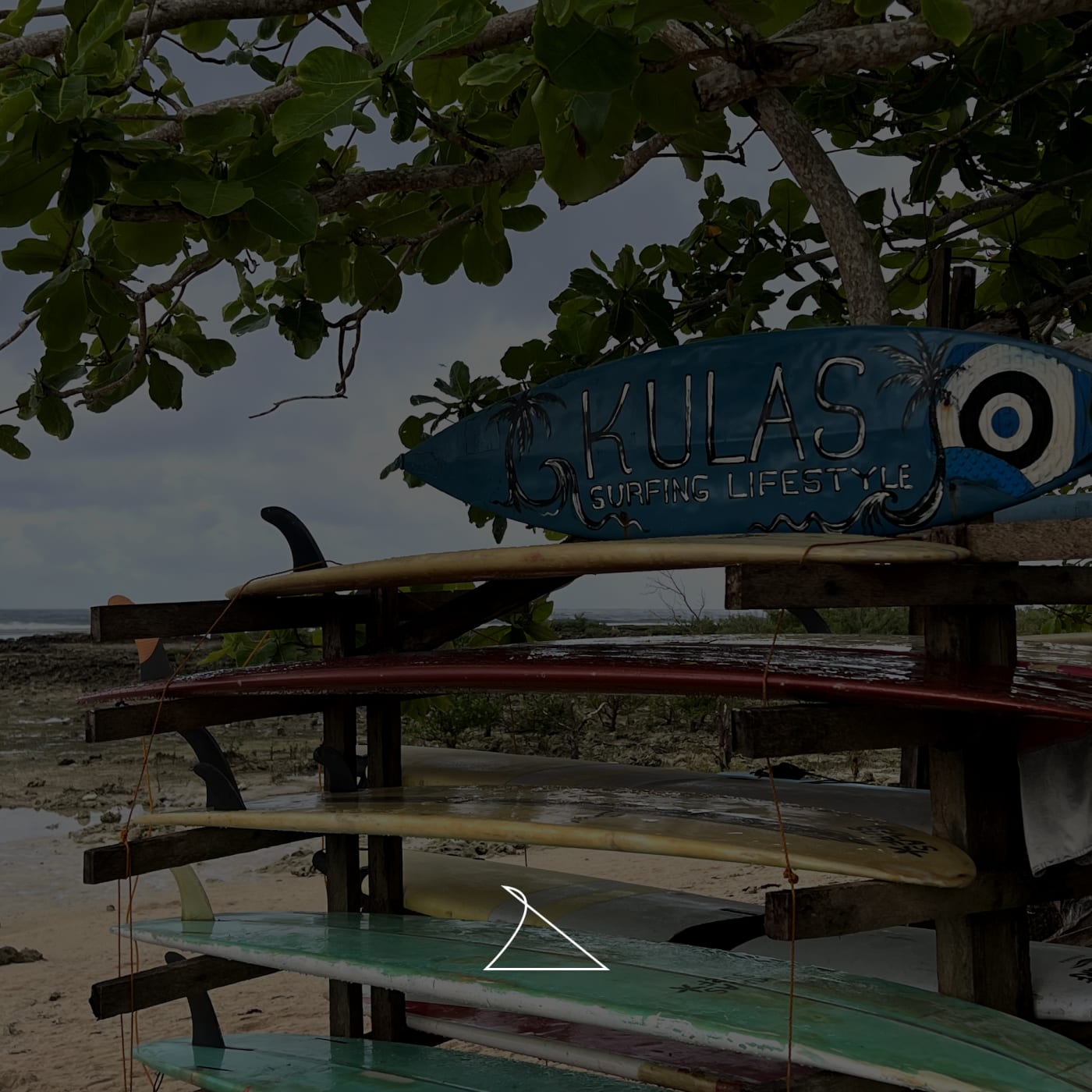

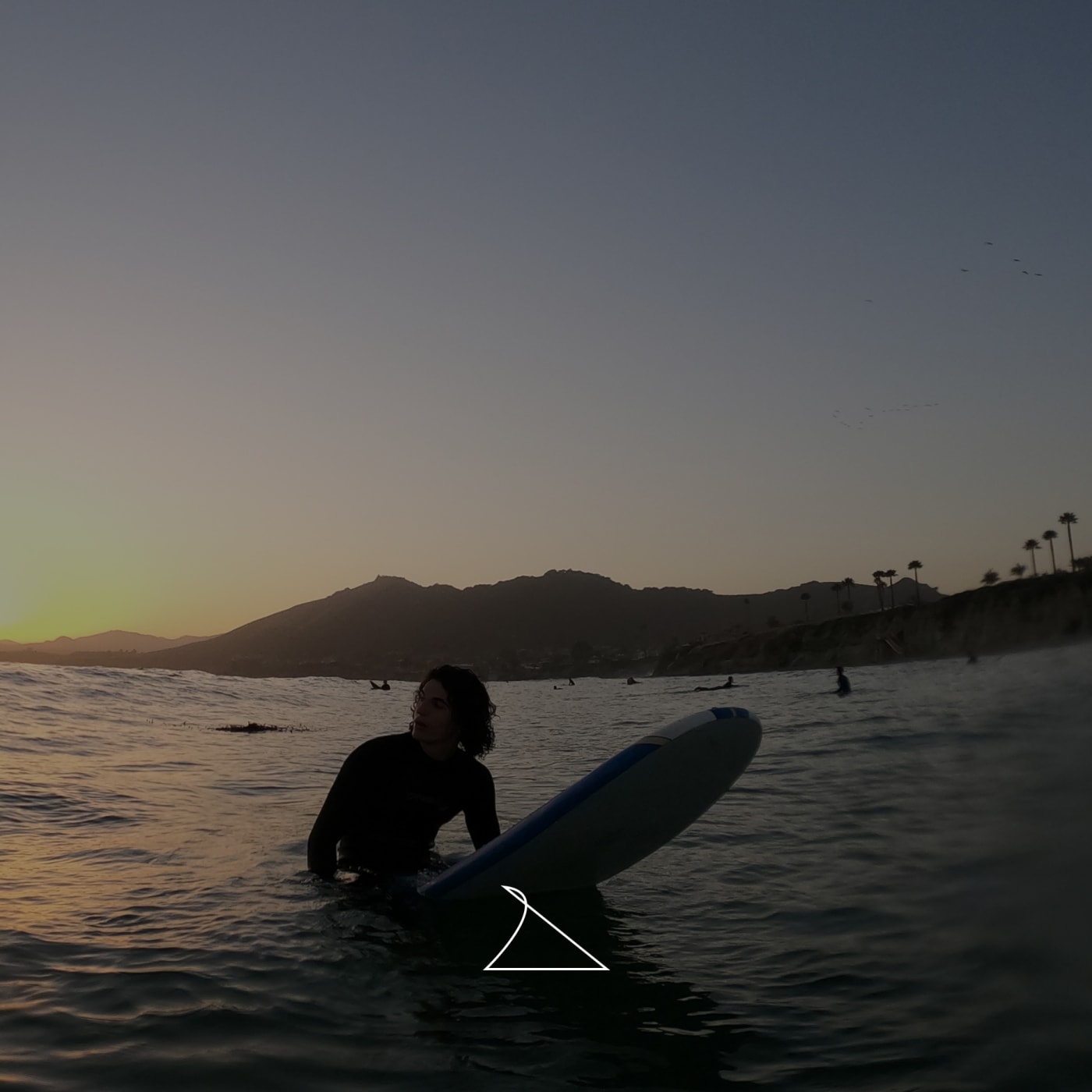
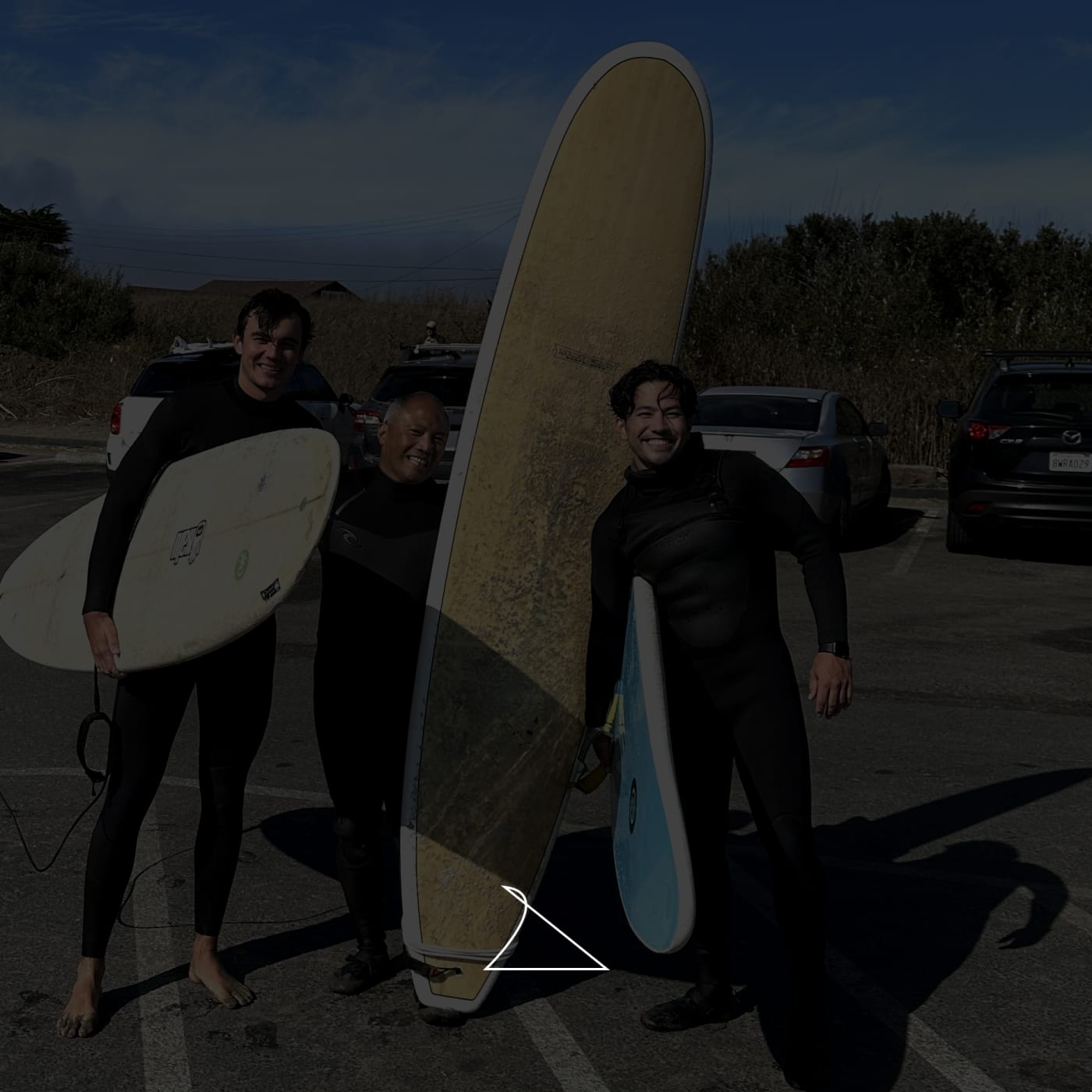
The ocean moves fast. Your memory does not have to.
questions
Peak is free, needs no account, and keeps your surf history on your iPhone.
Read all questionsPeak (listed as peak.surf on the App Store) is a free, private surf journal for iPhone. You log each surf session with the spot, time in the water, gear, who you surfed with, a star rating, notes, and photos, and Peak turns that logbook into stats, a Board Report, records, and a personal Best Window Today. No account is required.
See every featureYes. Peak is free to download on the App Store, with no ads and no account to create.
On your iPhone. There is no Peak server, and the app has no analytics, tracking, or ads. Your sessions, spots, gear, photos, and videos stay on your device unless you export a backup or share a session yourself.
Read the privacy policyYes, through Apple Health. Peak imports surfing workouts recorded on Apple Watch and, from the workout's GPS route, estimates your wave count, top speed, longest ride, and paddle distance on your iPhone. Peak itself runs on iPhone; it does not need a separate Watch app.
How Apple Watch surf tracking worksPeak is a surf journal rather than a forecast app. With one tap it records the wind, waves, swell, water temperature, and tide for a session. Best Window Today then scores the next 24 hours at the breaks you log most against the sessions you rated there, and says so when your logbook does not yet carry enough signal.
Yes. The Quiver keeps your boards, wetsuits, fins, leashes, and other gear, and Board Report shows which board actually earns its keep, broken down by wave height and swell period.
available now on iPhone
Download Peak 3.5 today. Free, no account, and your history stays on your devices. Requires iOS 17.0 or later.


On a computer? Scan with your iPhone camera to get Peak.